
Your team, from their first day on.
The Employee Portal holds everything about the people who work at your escape room: their details and documents, what they can access, the training they’ve done, notes along the way, and the pay that comes out at the end.
Staff records
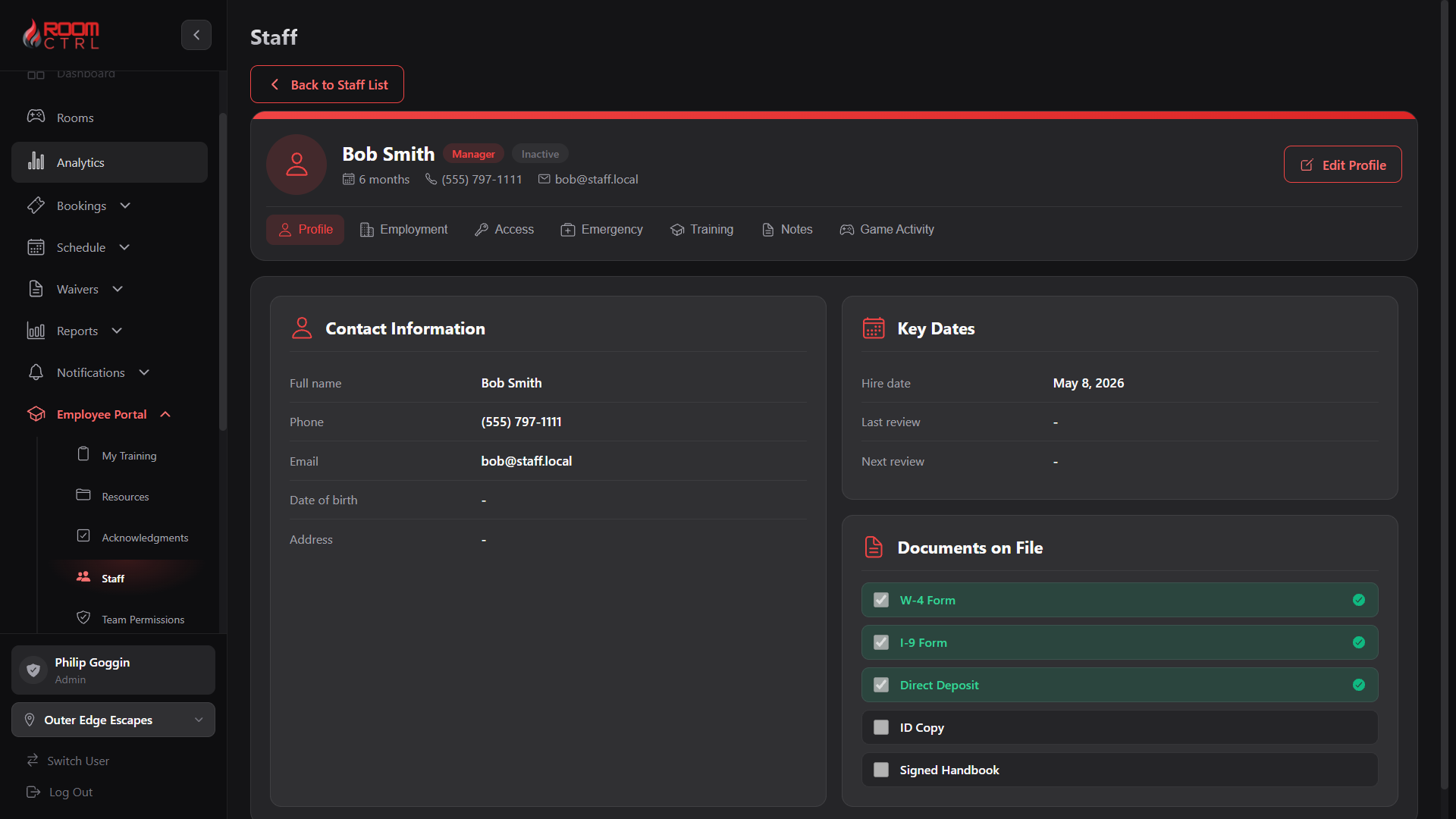
Each person has one record with their contact details, emergency contact, hire and review dates, and a checklist of documents like the W-4, I-9 and signed handbook. Their pay rate is there too, whether it’s hourly, per game or salary.
Adding someone new takes a short form: name, role, location and a PIN. When a seasonal employee leaves, you deactivate them and their history stays.
Also: who can open, close or has keys · each person’s escape rate and hints on each room against the room average
Payroll export Early access
At the end of a pay period, it adds up gross pay for everyone, including overtime, and formats it for Gusto, Square or QuickBooks, or as a universal file. Your payroll provider still handles taxes and deposits. Ask us to switch it on.
Team permissions
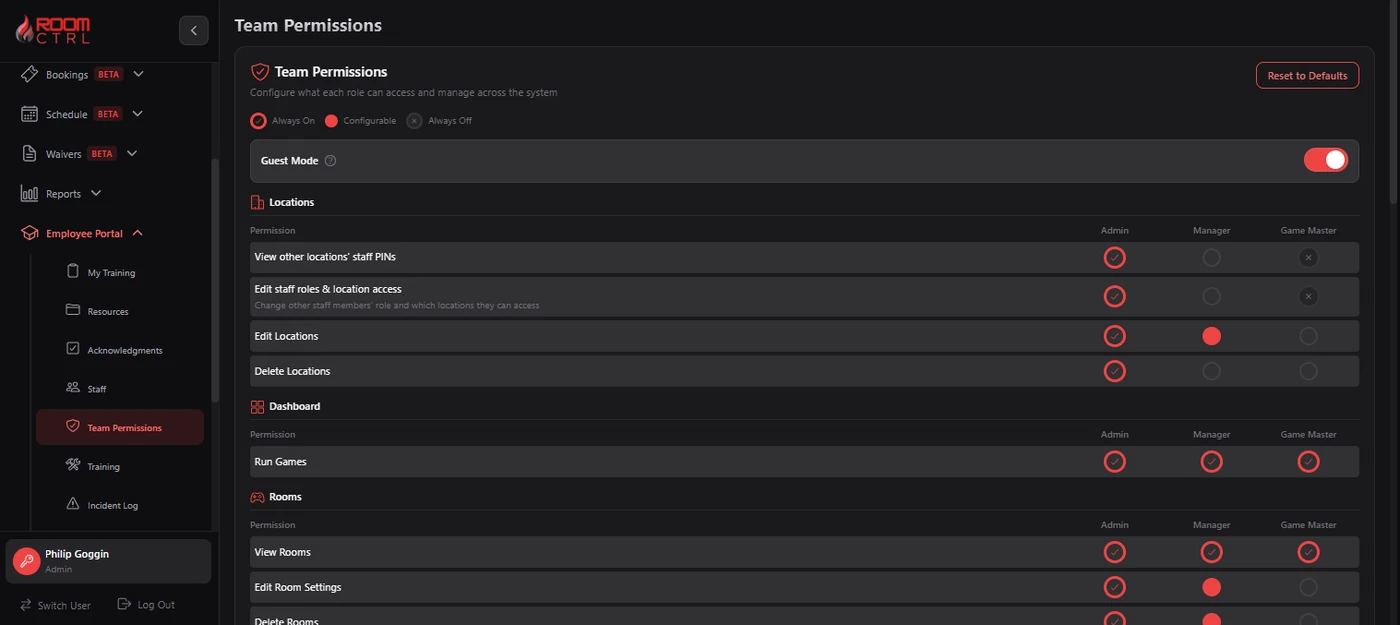
Choose what managers and game masters can see and change, set by role instead of one person at a time. Guest mode lets someone run a room without a PIN if you want it.
Training
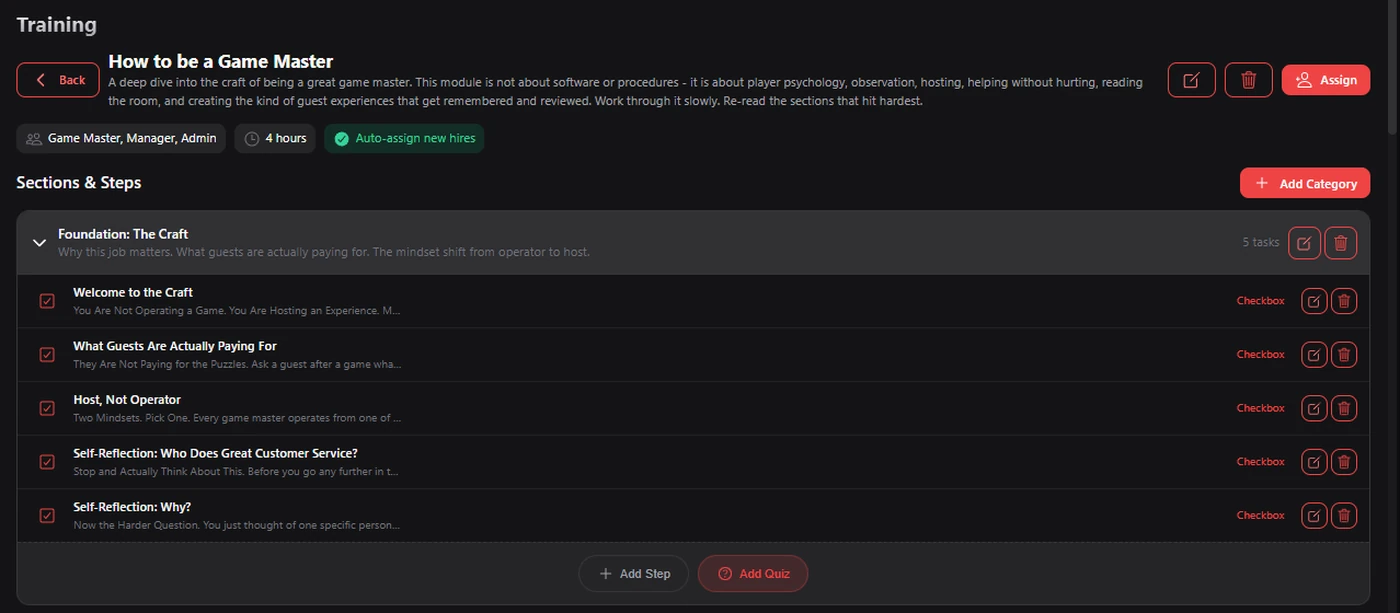
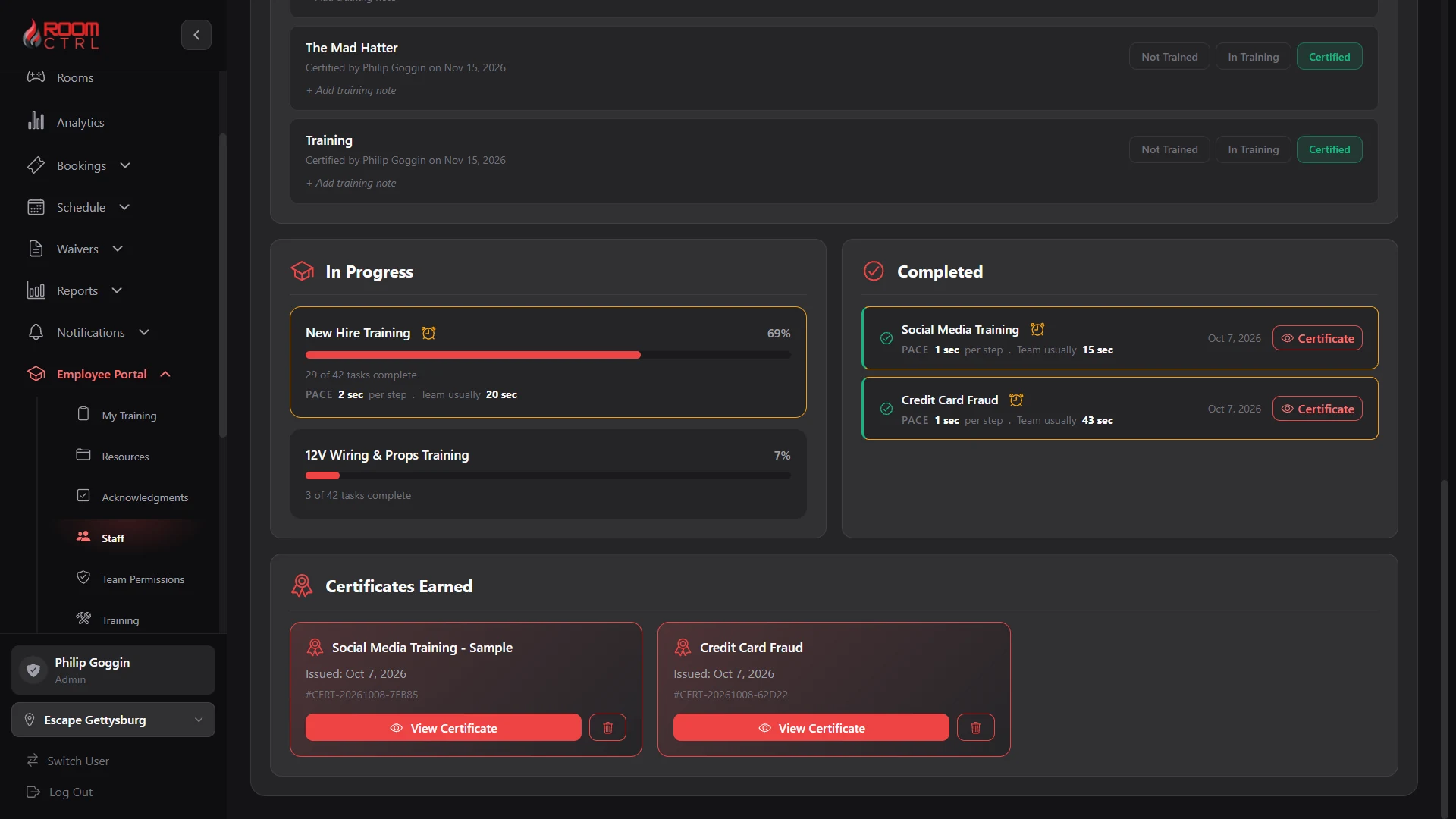
Build training modules from lessons to read, checklists, quizzes with a passing score and steps a manager has to sign off. Assign them by role and location, and new hires get them automatically.
More about trainingShow less
The five included modules are about the craft, not the software. How to be a Game Master takes about an hour and covers player psychology, reading the room and helping without hurting.
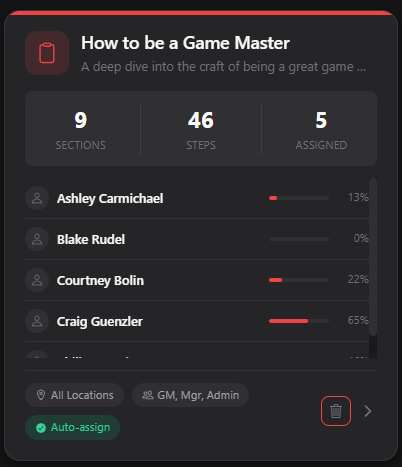
Each module shows everyone assigned and how far along they are. When someone finishes, they get a certificate. You also mark who is trained on each room, and the schedule shows who is trained when you pick who works a shift.
Also: staff can train from home on paid training time, if you want it · overdue training shows in red · flags a module finished much faster than usual
“Easy transition, easy to train our game masters, and it did everything we needed and more.”
 JoeHomeTown Escapes
Notes and incidents
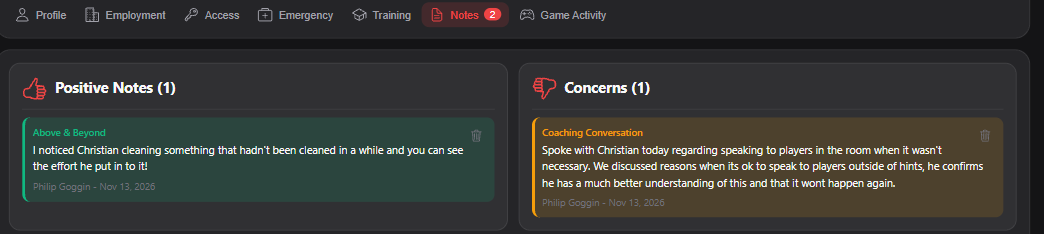
Write down the good and the bad on each person’s record, so it’s there at review time instead of just remembered. The incident log keeps track of accidents, injuries, complaints, damage and safety concerns, with updates until each one is closed.
Also: post a policy or notice and see who has read it
All of this for $50 a month.
Everything in game control, scheduling, the Employee Portal, waivers, reports and the mobile app. No add-ons, no higher tiers. Any number of rooms at your first location. $25 for each location after.
No card to start. No long-term contract. Cancel anytime.
Works with Resova, Bookeo and Off The Couch. Keep the booking platform you already use.